
Project management
Structure the work, organize the team
Organize clients, projects and activities, assign people to the right teams, and connect every logged hour to the work it supports. Managers gain clearer project visibility, while roles and permissions keep access aligned with responsibility.
Project-based time data, team availability and reporting give managers better context for resource allocation and capacity planning.
Clients, projects & activities
Organize logged time the way your work is actually structured
Group work under clients, break clients down into projects, and break projects down into activities, so a single timesheet entry always says exactly what it was for.
- Unlimited clients, projects and activities
- Break each project into activities for finer-grained tracking
- Every logged hour rolls up to its client and project in reports
Teams & roles
Three roles, assigned per person, changeable anytime
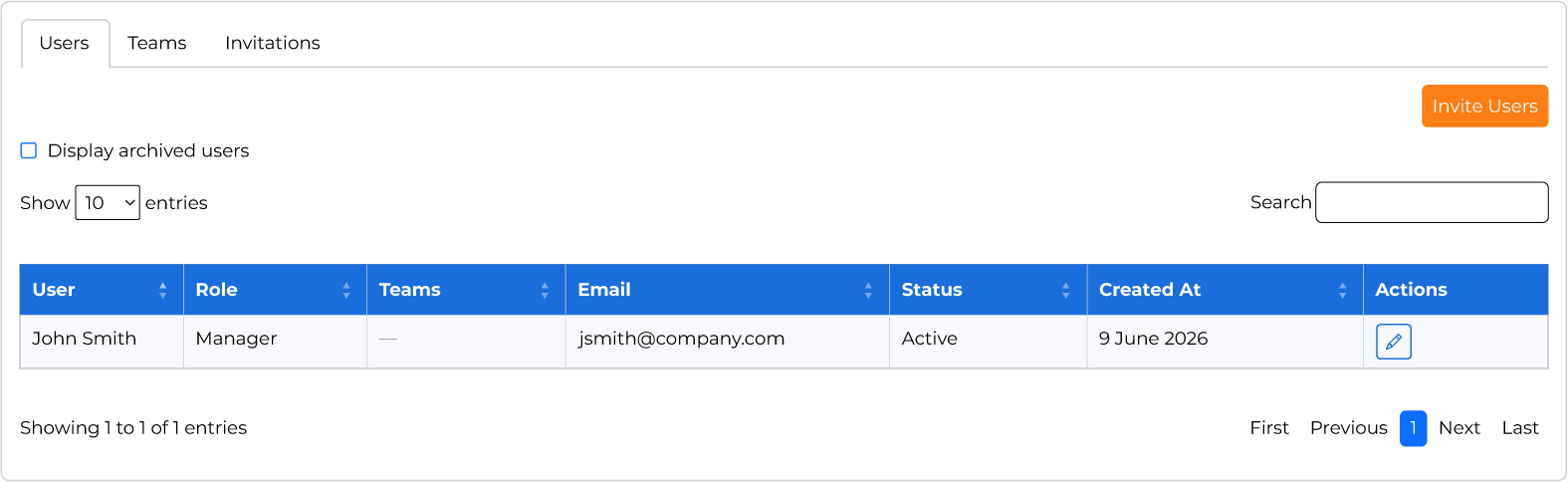
Every user is regular, manager or admin. Regular users log their own time and request leave; managers see their assigned team's data; admins manage users, teams, projects and settings for the whole workspace.
- Regular, manager and admin roles, changeable at any time
- Send bulk invitations instead of adding users one by one
- Assign each user to one or more teams
- Unlimited users, priced per seat
Visibility & access
Team assignment decides who sees what
Project and time off visibility follow team membership, and an admin setting decides how far a manager's view extends: their own team only, or every team in the workspace.
- Project visibility follows team assignment
- Admin setting: managers see all teams, or only their own
- The same setting controls what managers see in reports
FAQ
Project management questions
Three roles: regular users log their own time and request leave; managers get visibility into their assigned team's time and time off; admins manage users, teams, projects and app-wide settings. Roles can be changed at any time from the user management panel.
Yes. Send bulk invitations by adding a list of email addresses, and each person sets their own password when they accept, so there's no manual one-by-one setup.
Yes. An admin setting controls this per organization: managers can either see only their own assigned team, or every team, depending on how you want oversight structured. Whichever is chosen also determines what a manager sees in reports.
Explore more
Other SyncroTask features
Start your 14-day free trial today
Track time, manage leave and explore reporting with every SyncroTask feature included. No credit card required, and nothing to cancel if it's not the right fit.
Start 14-day free trial14 days free · No credit card · Every feature included